It is behoven to me to persquanth my energies on herding the demon cats inside my GPU for some reason.
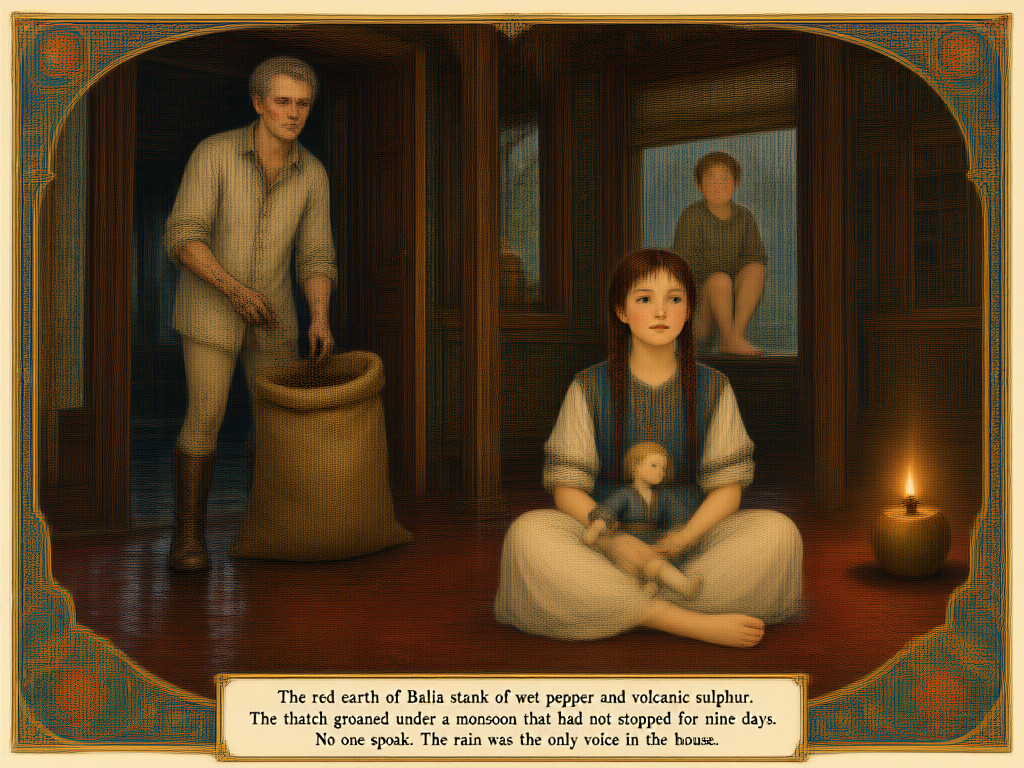
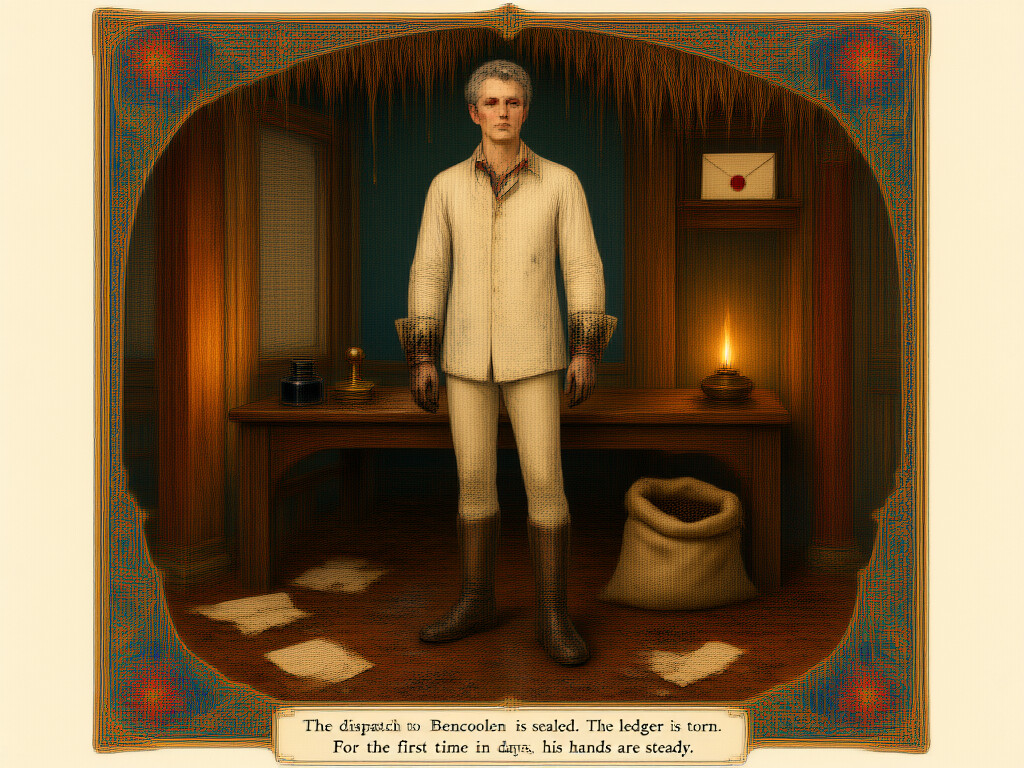
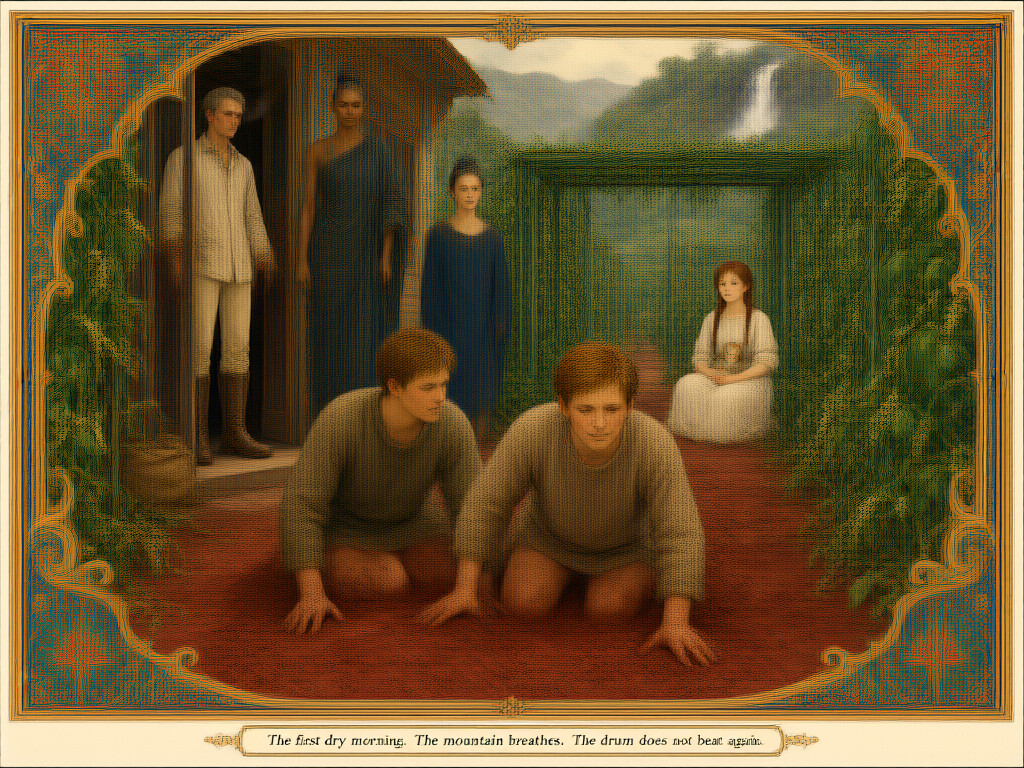
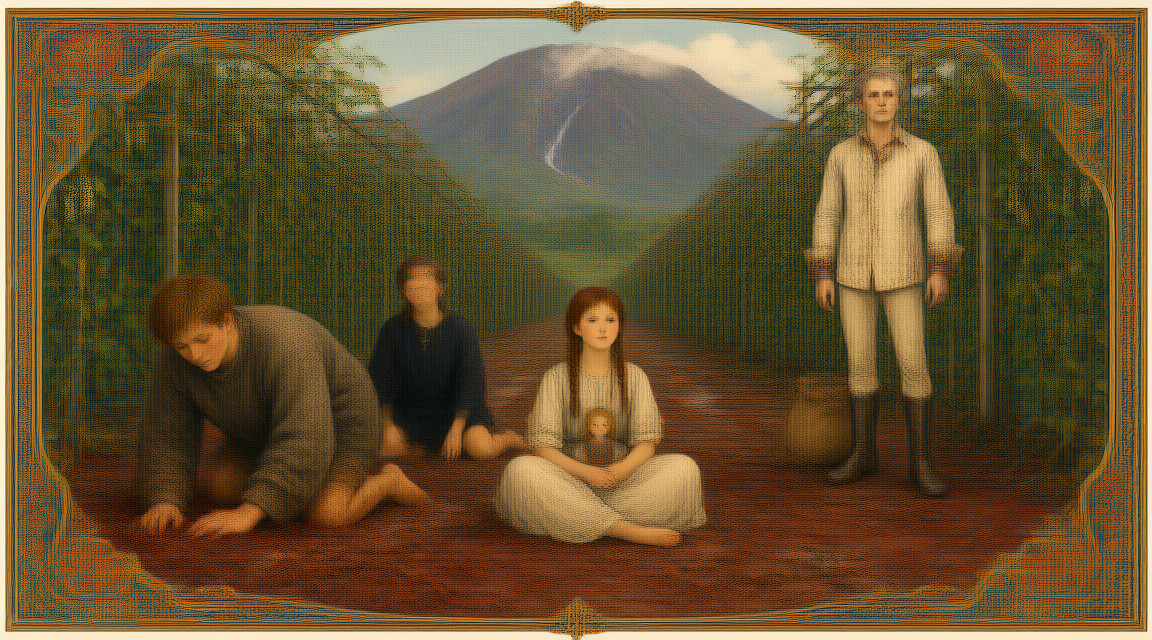
Goal: Generate a coherent comic book / manga out of a simple topic:
How to make it consistent, how to make interesting stuff happen? It surprisingly difficult

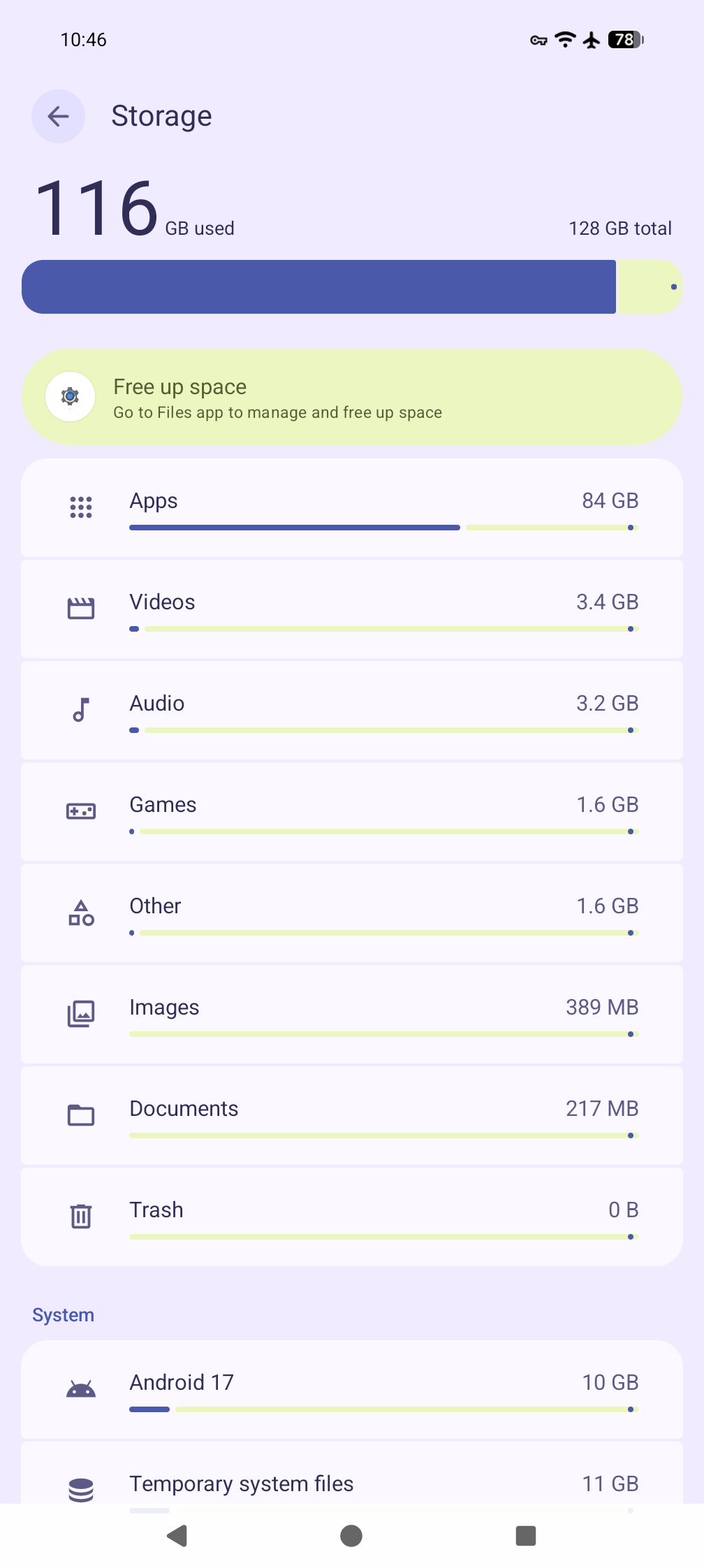
File: Screenshot_20260921-163025.png
(242 KB, png)

Lmao my Google phone can't install Google. Fucking ingenious.
2 replies omitted.
Click here to view full thread.
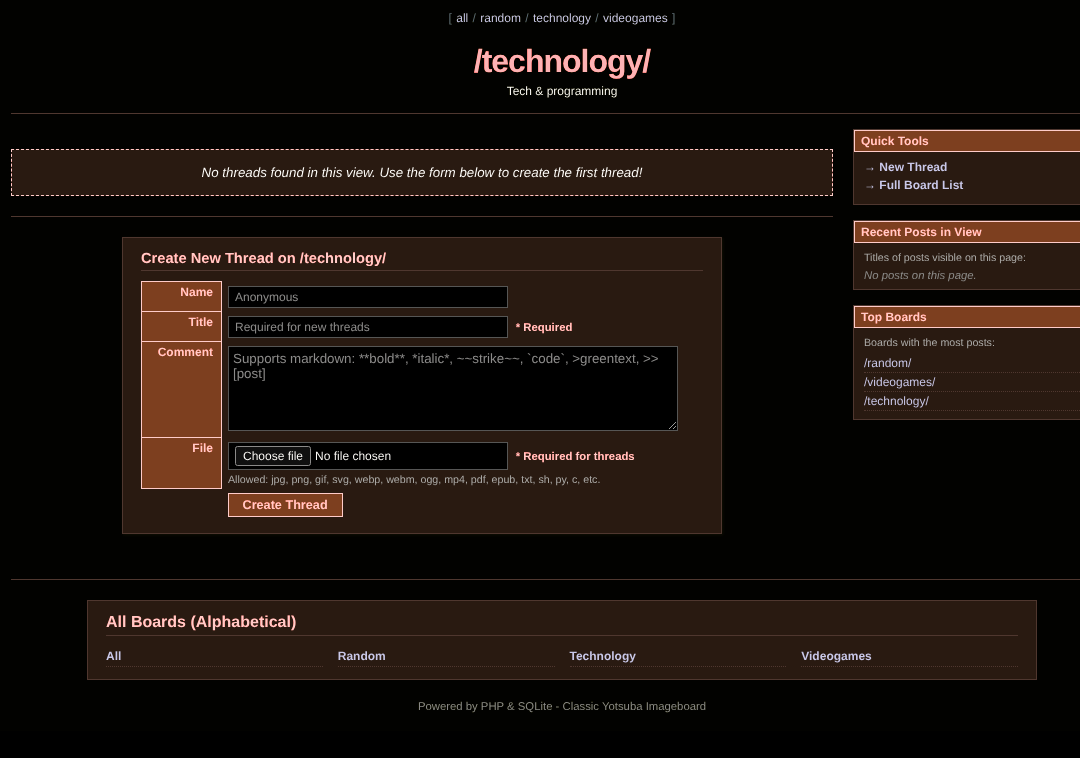
File: browntech.png
(87.8 KB, png)
I am starving but i have carrots.
So I am starving.
Testing with "Dark Reader"
So I am starving.
Testing with "Dark Reader"
File: jeevacation.jpg
(36 KB, jpg)

Image gen like stable-diffusion.cpp embeds generation text and parameters into a tEXt field, but png is big and uses a lot of space, sometimes you want them batch converted to jpeg.
but naive convert from imagemagick/graphicsmagick fails to preserve the image gen parameters, in a way that other image tools can use
this does that
-------------------------------------
for f in *.png; do
out="${f%.png}.jpg"
exiftool -b -parameters "$f" > /tmp/params.txt 2>/dev/null
convert "$f" -quality 92 "$out"
exiftool -UserComment="$(</tmp/params.txt)" "$out" >/dev/null
done
---------------------------------------------------------
cheers, have a handmaiden
but naive convert from imagemagick/graphicsmagick fails to preserve the image gen parameters, in a way that other image tools can use
this does that
-------------------------------------
for f in *.png; do
out="${f%.png}.jpg"
exiftool -b -parameters "$f" > /tmp/params.txt 2>/dev/null
convert "$f" -quality 92 "$out"
exiftool -UserComment="$(</tmp/params.txt)" "$out" >/dev/null
done
---------------------------------------------------------
cheers, have a handmaiden
File: pE2Y7HQ.jpg
(253.8 KB, jpg)

Directory trees can help with organization but it can also be annoying to remember where everything's located. Compare this to something like Evernote where you just have a flat list of entries and use tagging for optional organization. Can the filesystem hierarchy function like this?
What if we reverse the directory hierarchy so that all files are located in the working directory at all times, and tab autocompletion is optionally used to resolve ambiguity? For example, if there is
Most filenames among personal documents are unique, so it'd provide quick access to each one. Users should still specify the location of each file, and then they can still list a specific type of file with
So tab goes in the other direction. This makes it easier to see where files called
Would you use such a shell?
What if we reverse the directory hierarchy so that all files are located in the working directory at all times, and tab autocompletion is optionally used to resolve ambiguity? For example, if there is
file.txt\user\home\ and file.txt\etc\, then typing file.txt followed by tab lets the user select from those two, no matter what the working dir is. If there is only one file called file.txt, then simply listing that suffices.Most filenames among personal documents are unique, so it'd provide quick access to each one. Users should still specify the location of each file, and then they can still list a specific type of file with
ls Documents\~.So tab goes in the other direction. This makes it easier to see where files called
file.txt or dirs called Documents are listed, but not as easy to see what is listed inside Documents\~. With normal tab auto-complete, that will show mid-command what's listed in there, but it cannot auto-complete in both directions so instead it will list each instance of Documents and not what's inside of them. That is the trade-off.Would you use such a shell?